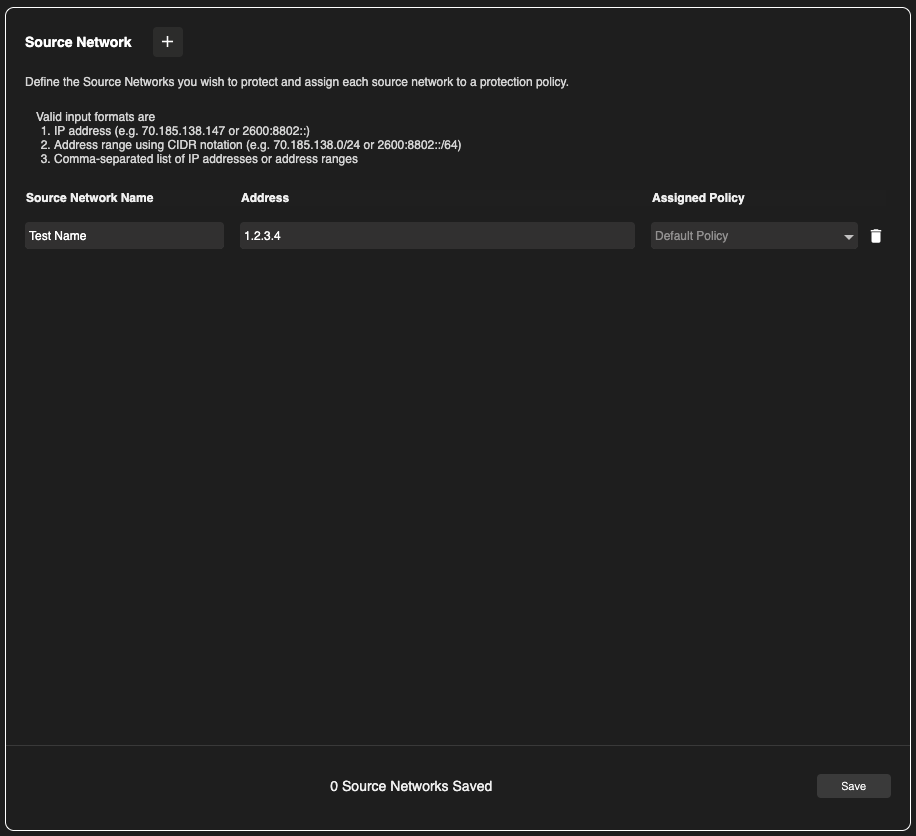
In the context of EnforceDNS, Source Networks refer to the networks from which your DNS traffic originates. When deploying EnforceDNS using the resolver-based method, and applying policies based on Source Network, it is essential to properly configure these networks. This ensures that your DNS traffic is recognized by the EnforceDNS UI and that the correct policies are applied.
Think of configuring Source Networks as Part 2 of deploying EnforceDNS via the resolver-based method, following the initial setup of DNS resolvers.
Configuring Source Networks
-
To configure Source Networks, begin by navigating to the Source Networks section of the EnforceDNS Portal. You can do this by clicking the menu icon located in the left-hand navigation panel.

-
Next, click on the ➕ to create a new Source Network.
-
Name and assign an IP address or CIDR to the Source Network.
-
If desired, assign it a policy, otherwise the Default Policy will be used.
-
Click Save.
Wait a few minutes and provided you’ve configured your DNS traffic to point to one of EnforceDNS’s resolvers, you’ll begin seeing traffic in your UI.