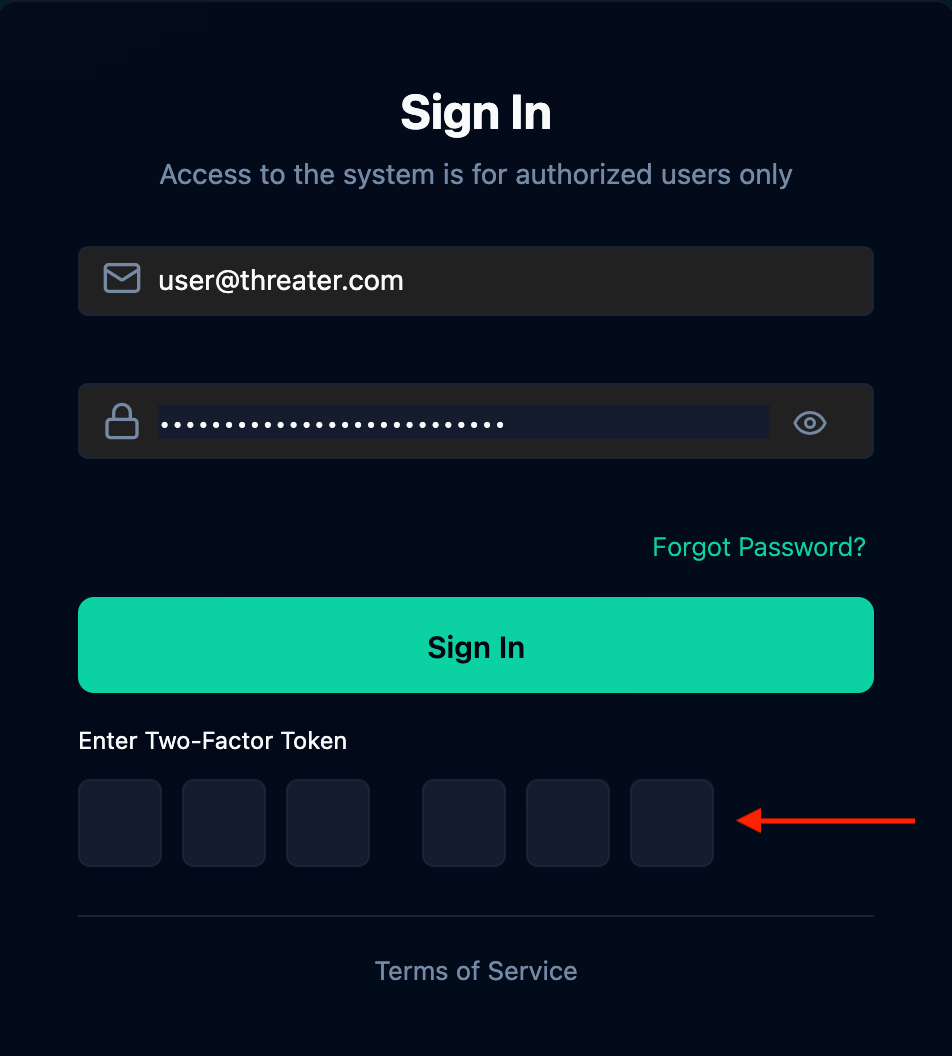
This document outlines what Enforce portal users need to do to authenticate into the portal for the first time on or after April 23, 2026.
-
ALL USERS: CLICK ON “FORGOT PASSWORD?” AND CREATE A NEW PASSWORD
Your previous credentials will not log you into the user portal. You must reset your password. This is a one-time action. Follow the steps below:
-
Navigate to https://portal.threater.com/
-
Click on the “Forgot Password?” link
-
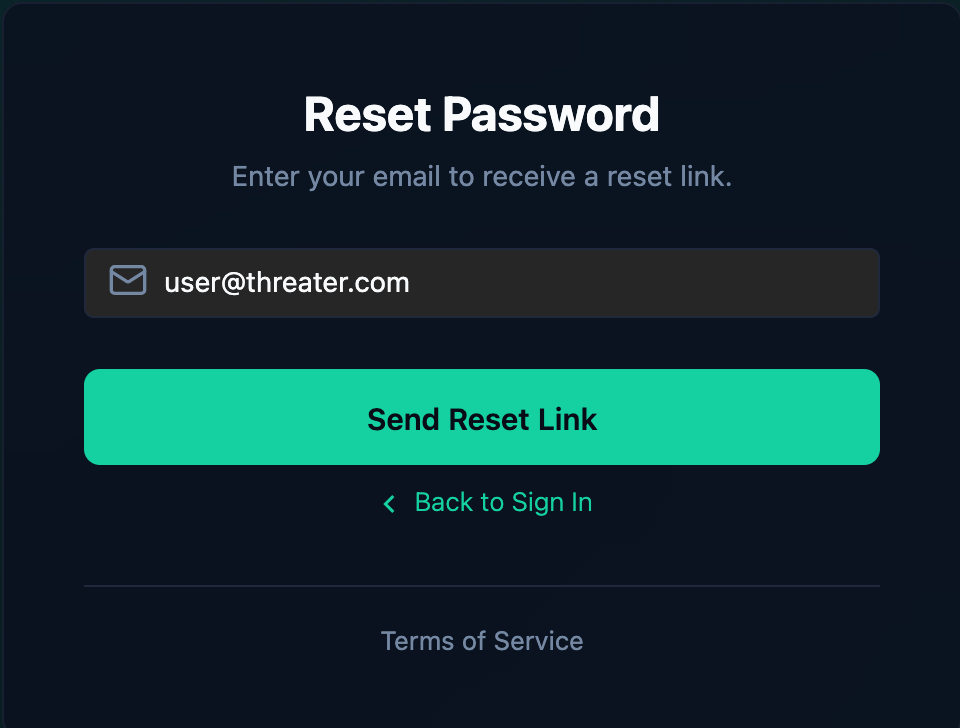
Enter the email address of your Enforce portal account and click on the “Send Reset Link” button
-
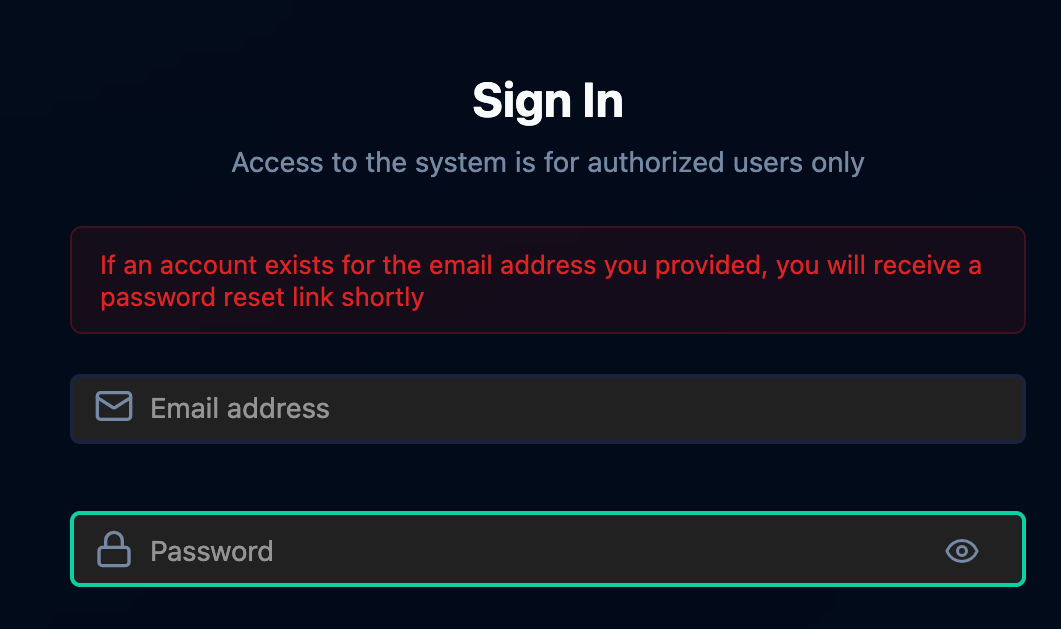
The following message will display
-
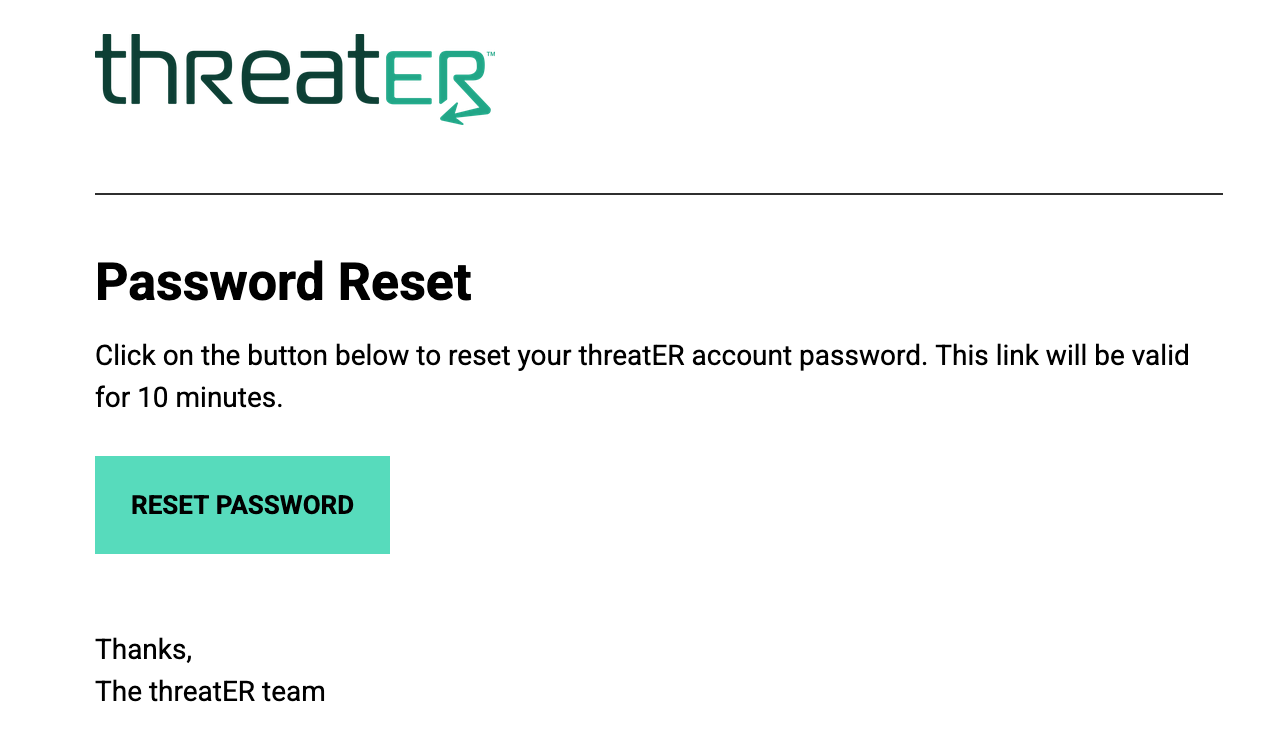
Click on the “Reset Password” button in the email you receive
-
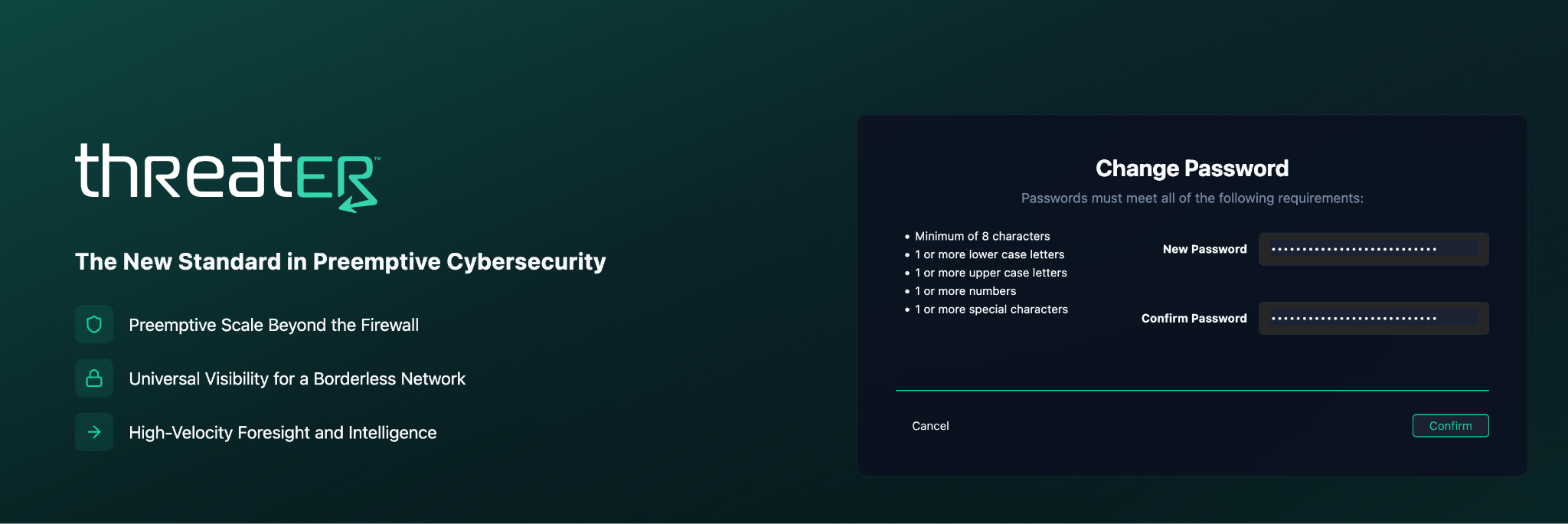
Enter a new password and click the “Confirm” button
-
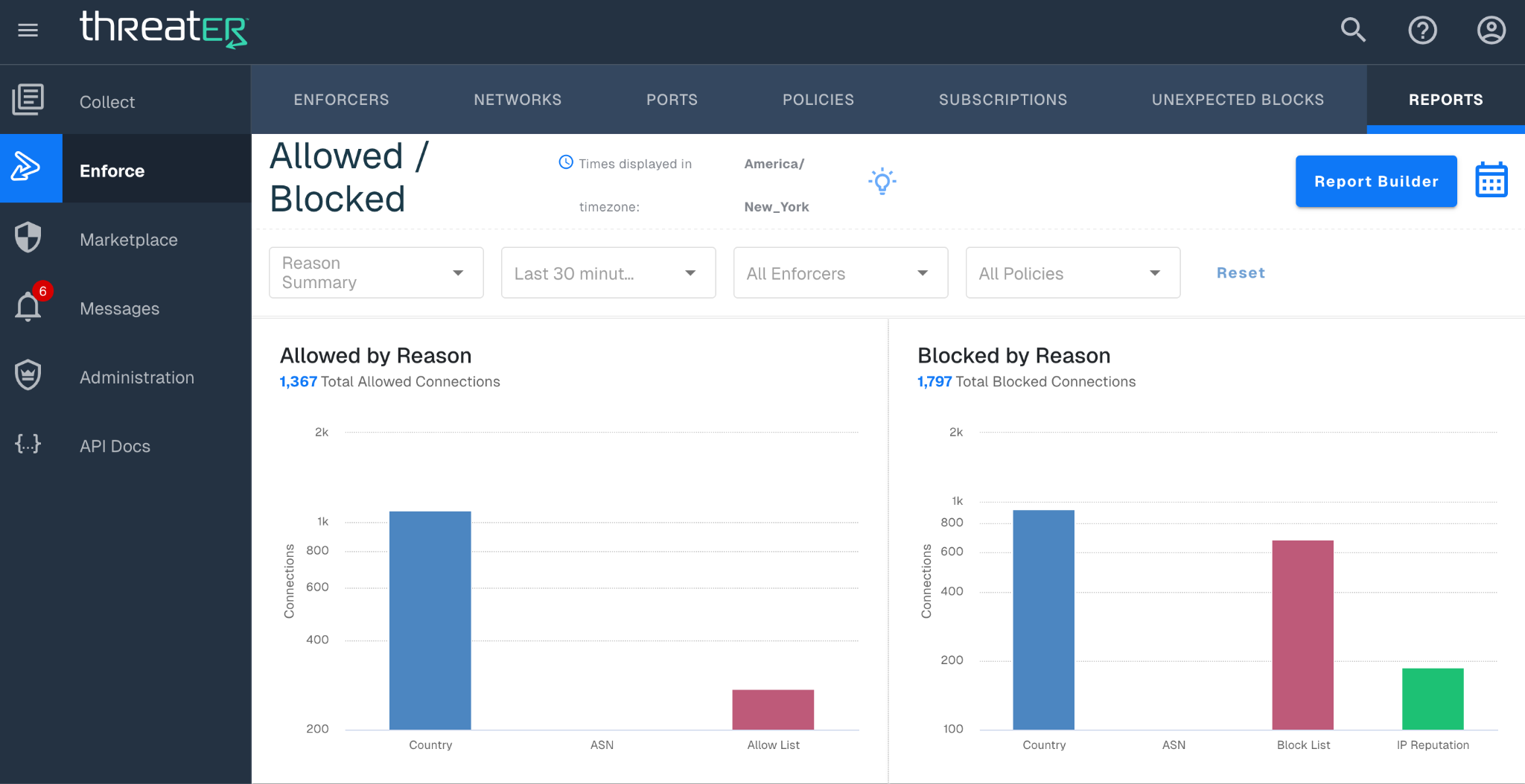
You will be logged into the Enforce Portal
-
Re-Configure MFA
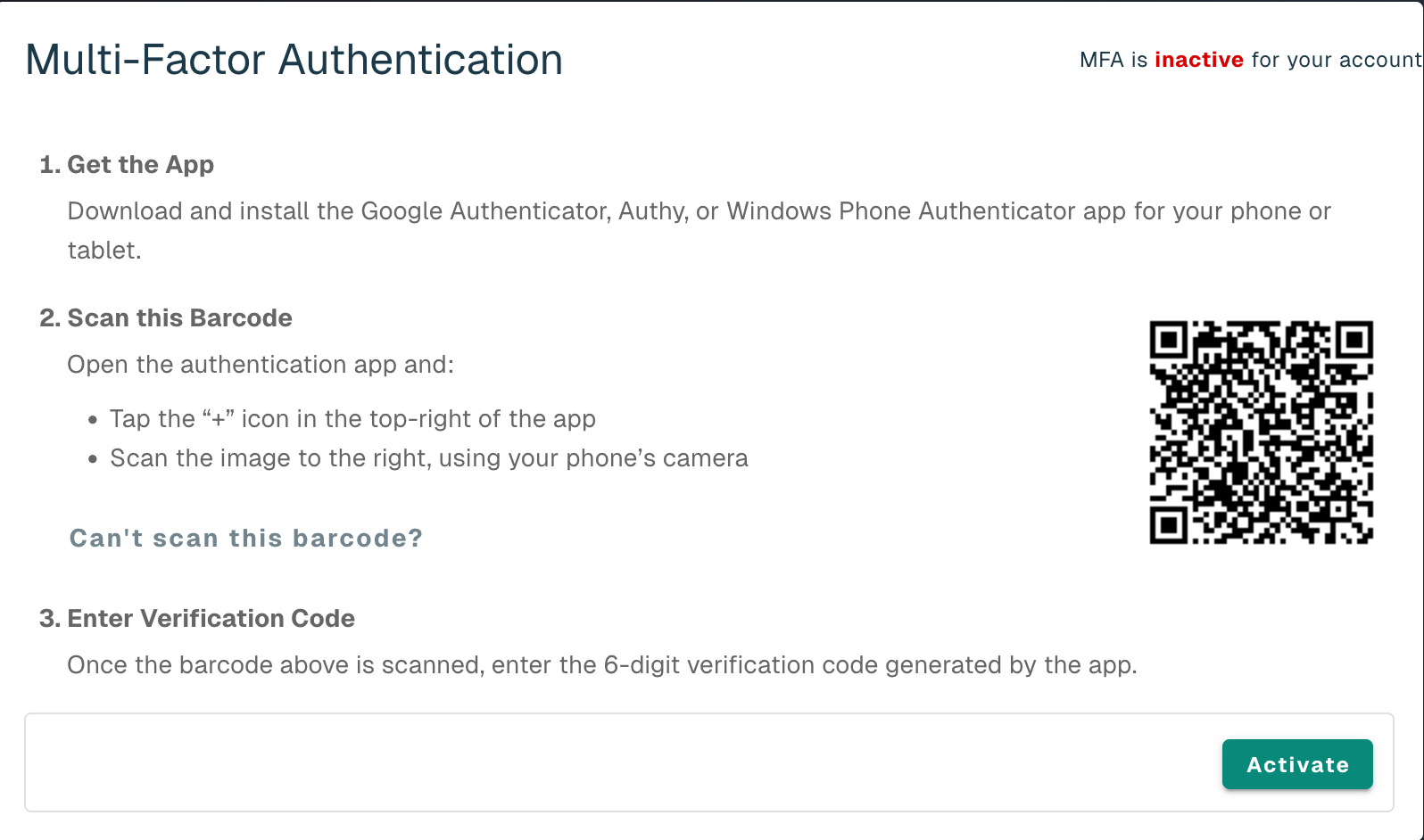
If MFA was configured on your account, you will be prompted to re-configure upon login.
-
Complete the Password Reset steps listed above first
-
Navigate to https://portal.threater.com/
-
Login with your updated password
-
You will be prompted with the screen below to re-configure MFA on your account
-
After successfully re-configuring MFA, you will be prompted to enter the MFA code from the authentication app at each future login